

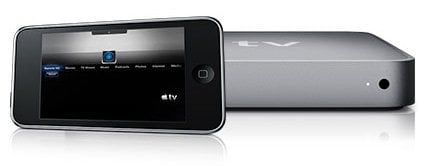
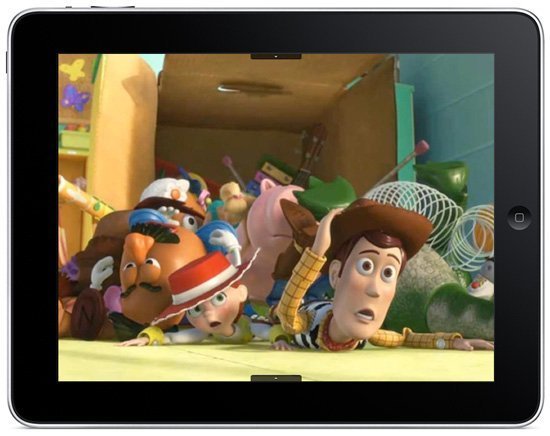
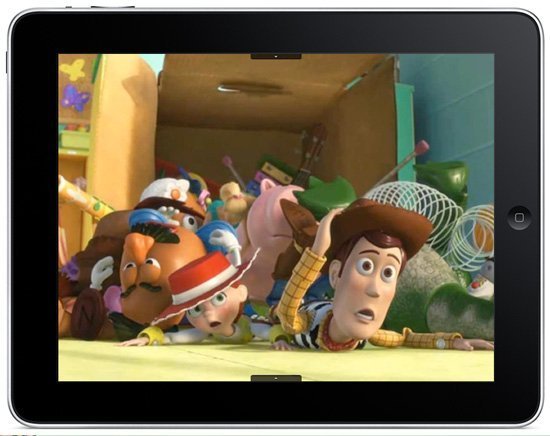
Recently released Remote HD is an iPad/iPhone/iPod touch universal and powerful application that gives you complete access to your AppleTV, Mac or PC. It works like an Apple Remote, but it can do a lot more – one of the greatest features is Remote View that brings your AppleTV’s display to the iPhone/iPad or iPod touch.
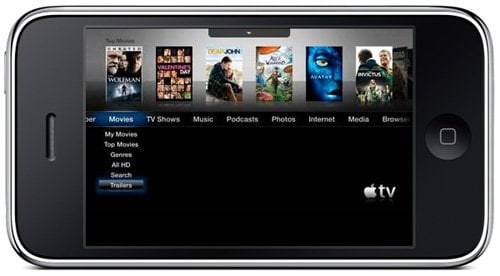
Remote View now also works with XBMC and Boxee.
The app allows you to reconnect to last connection – – if you use Remote HD mostly to connect to the same Apple TV, you can save the time of searching for available connections and tapping to connect.
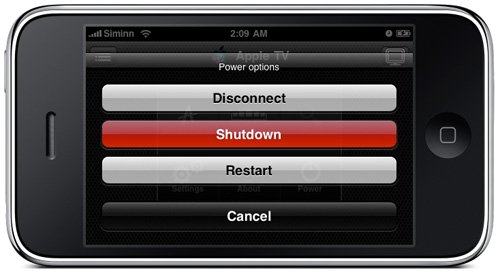
Using Remote HD you can also put the Apple TV to sleep, restart it or even shut it down altogether. In addition, selecting “Log off” will perform a “soft” restart on the Apple TV.
 Other great feature is that when you connect to your computer or Apple TV using the mobile network (3G, EDGE, GPRS), Remote HD kicks into a mode designed to save data transfer and optimize its performance based on the available bandwidth at any given time. Check out the rest of the features here.
The app is XBMC and Boxee compatible. aTV Flash has already added support for Remote HD (can be installed through the Maintenance –> Install Extras menu).
We have 5 free copies of the app to give away! To enter the contest follow us on Twitter and retweet the contest message (Win RemoteHD and access your AppleTV from your iPhone/iPad! Follow @appletvhacks and RT for your chance to win #giveaway). The winners will be announced on Tuesday (June 29).



Comments
Be The First to Comment