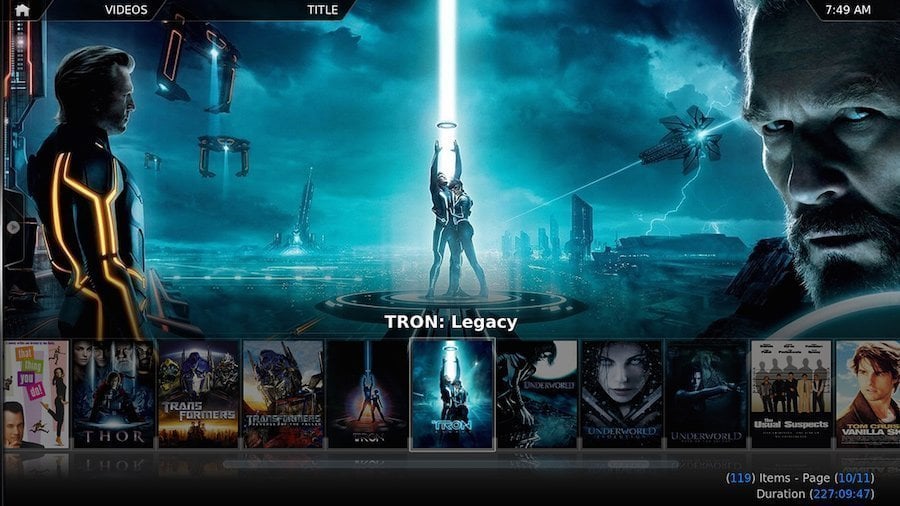
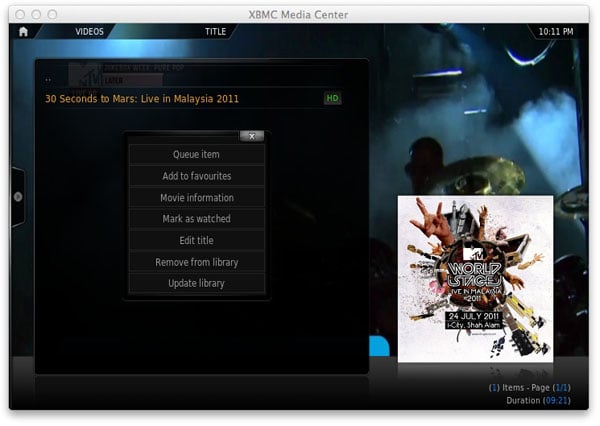
Getting the most out of XBMC on your Apple TV is a difficult thing to do. Whether watching the latest movies, looking to stream last nights TV episodes, listening to music on Pandora, or playing video games on your Apple TV 1 or Apple TV2, XBMC has the ability to handle the job. But wait, there’s more! What most people tend to overlook is that XBMC goes far beyond a stand alone media center. With this software installed you can use your Apple TV as a social media hub, a torrent controller, a Nintendo gaming console, or even the front end of an NZB client.
XBMC
Back in January XBMC released the long awaited Frodo 12.0 for all of your Apple products. Now you can install XBMC on your iPads, iPhones, iPods, and your, glorious, little Apple TV 2. The installation is almost the exact same as installing previous builds of XBMC with 4 subtle differences. Here we have put together a guide that incorporates these changes. So, sit back, relax and grab a cup of coffee.
If you are one of our faithful fans who have XBMC Eden (11.0) installed on your jailbroken Apple TV 1, Apple TV 2, or any other device for that matter, we have some exciting news for you: the development team over at xbmc.org has been hard at work, this past month, preparing to release the latest iteration of their multimedia center software known only as Frodo (12.0). This update comes complete with a great deal of improvements, bug fixes, and extended hardware support. The real question is what will this mean for us Apple TV junkies. Well, this new build offers:
[click to continue…]
Do you have more than one Apple TV in your house? Are you the techy in your community, forced to install and set up XBMC on Apple TVs for all those people you know and love? What if there were an easy way to simply clone the XBMC installation from one device to multiple others? Well, you can. This process can be used for a variety of reasons, but the most popular would absolutely be:
- Backing-up your current XBMC set up (allowing you to restore to it at any time)
- Building an XBMC template (if you will) to help setting up other Apple TV’s quicker & easier
- Creating a standard of XBMC, including add-ons, for installing on your other iDevices (iPad, iPhone, etc.)
For many of our reads, there is no question regarding what XBMC is or how to use it. That said, we never find a shortage of folks who don’t understand XBMC’s add-ons, plugins, tools, menus, skins, libraries, third party extras, etc. It was with this in mind that we have decided to dedicate a bit of time every month to breaking down ALL THINGS XBMC. Our goal is to give information that could greatly help new comers, and veterans, alike. I, personally, aim to bring tips and tricks to shed light on many items that have seemingly alluded many users of XBMC as a home multimedia solution. So, if you find yourself always helping fiends and family with their XBMC systems, bookmark this page, and stay tuned for the months to come! We are going to get the masses ready to use, and comfortable with, Xbox Media Center (XBMC).