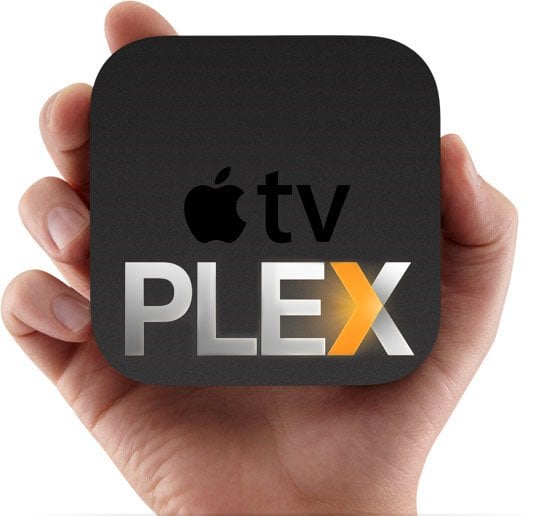
Last week we reported that Plex now runs on non-jailbroken Apple TV 2 and Apple TV 3 thanks to PlexConnect, a clever little hack that allows a fully-functional Plex client on non-jailbroken ATV2 and ATV3. We also posted a tutorial on how to get it working on your little black box using a Mac. Below is an installation guide for Windows XP, Vista, 7 and 8.
howto
Earlier this week we reported that it’s now possible to run Plex on non-jailbroken Apple TV 2 and Apple TV 3, as group of devs (Baa, roidy and f00b4r) has released a PlexConnect, a little hack that allows a fully-functional Plex client on non-jailbroken ATV2 and ATV3. You can find more details here.
And here is a tutorial on how to get it all working using a Mac:
It was not long ago that we shared the news regarding Apple officially activating its Bluetooth hardware, via the 5.2 update, on their Apple TV 2 and Apple TV 3 devices. Though it seems that support is limited to Bluetooth keyboards, not Bluetooth remotes, only time will tell if Apple has a line of new peripherals on the way for us all. As exciting as the news is, having Bluetooth capabilities does no good if users are unsure/unable to utilize these features.
Making my Apple TV sexy is one thing I am passionate about. Whether you are want to change the background, adjust the location of your menu options, or even change the complete look and feel of your operating system, XBMC allows you to do it all! If you are a regular visitor to our site, you know that we are fans of XBMC and what it can do for you, and your Apple TV. Of all the benefits it offers, my favorite has to be the fact that XBMC offers skins. These skins are free to download, free to install, and free to design.
![Install Plex on Apple TV - Windows tutorial plex on apple tv 2 3 How to install Plex on non jailbroken Apple TV 2 and Apple TV 3 [Windows tutorial]](http://www.appletvhacks.net/wp-content/uploads/2013/06/plex-on-apple-tv-2-3.jpg)