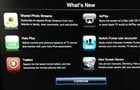
AppleInsider discoverd a growing thread at the Apple Support Communities website where users report issues after updating their Apple TVs (2nd and 3rd generation) to the latest Apple TV 5.1 software. It looks like many Apple TVs are getting bricked after running the update:
atv2
We have had XBMC 11.0 Eden for 8 months now and, if you are anything like me, it is time to begin the process of upgrading our XBMC installations to the new & improved XBMC 12.0 Frodo. The process should be fairly straight forward and essentially identical to the process we used for install the previous version of XBMC. Before we get started let’s clear the air on a few points so that we are all on the same page:
If a jailbroken Apple TV loaded with XBMC 11.0 “Eden” was not enough for you, we have some great news. XBMC has just released their first public BETA of XBMC 12.0 “Frodo”. The team has been hard at work pushing out one of their fastest, and most feature-rich, upgrades in history. As of the release of Eden, XBMC’s current stable build that is likely installed on all of your Apple TV’s, the team promised the beginning of a new monthly building plan that would hopefully expedite the process of fixing bugs and updated releases. As of this week, it would appear that this plan has, in fact, worked.
Making my Apple TV sexy is one thing I am passionate about. Whether you are want to change the background, adjust the location of your menu options, or even change the complete look and feel of your operating system, XBMC allows you to do it all! If you are a regular visitor to our site, you know that we are fans of XBMC and what it can do for you, and your Apple TV. Of all the benefits it offers, my favorite has to be the fact that XBMC offers skins. These skins are free to download, free to install, and free to design.
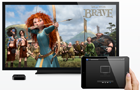
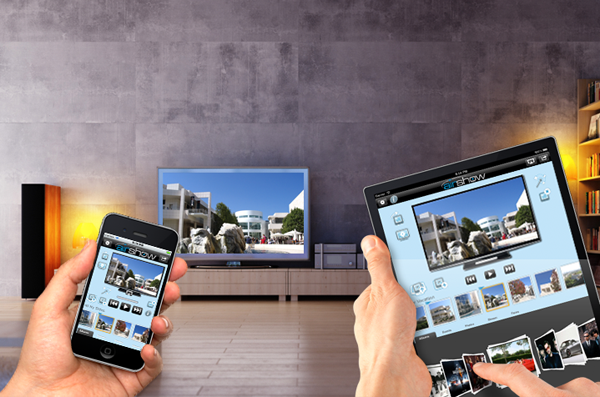
With the introduction of iPad 2 and Apple A5 processor in March 2011 Apple TV fans got an amazing new feature called AirPlay Mirroring. A5 was powerful enough not only to send a separate picture or video to an HDTV via Apple TV (AirPlay), but also to wirelessly display everything what’s on the iPad 2 screen right on the HDTV, allowing to stream apps and play games on the big screen TV (AirPlay Mirroring). Since then, all the iDevices that got A5 chip or one of its more powerful brothers (A5X, A6) supported AirPlay Mirroring. Yesterday, A5-powered iPad mini and A6X-powered 4th gen. iPad joined the family of devices that support one of the iOS coolest features.
Here is a complete list of iOS devices that support AirPlay Mirroring:
[click to continue…]