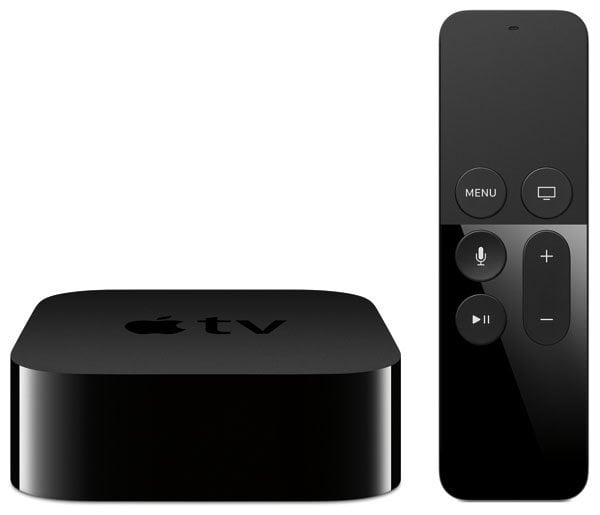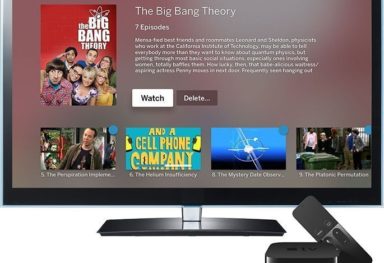
ATVForWindows has yet another how-to video on how to setup a shared drive using NitoTV and ATVFiles.
It’s about 9 minutes long but it sure is worth it.
Update: The previous method didn’t work 100%. Here are two new videos from them. Same topic delivered in two parts.
{ 7 comments… read them below or add one }
The Shared drive is not working correctly. A new video will be uploaded shortly!
“Setup” is not a verb. You “set up” a shared drive. This error (and others like it) is becoming very common. Let’s try to preserve our language…
Farb, get a grip m8, this is not a grammer lection page
Hi,
Is someone knows how u have to do this on a mac p.e. share hard drive on the airport express?
greetzzz
Jupil
Have you figured out how to connect to a shared drive via airport express?
I have the same problem – Take2 + airport express + my macbook pro with external HD.
Could not enable USB for native Take2 (not upgraded) and can’t do shares yet.
Is it possible to do this will a shared folder from a Mac computer instead of a XP computer?
If so, please point me to the “How-to” guide
how shortly?